Professional remote coding tool tailored for Mobile & iPad. Cyber-Glass aesthetic, low-latency streaming, putting productivity at your fingertips.
Full glass-morphism design with dynamic aurora backgrounds. Not just a tool, but a piece of art.
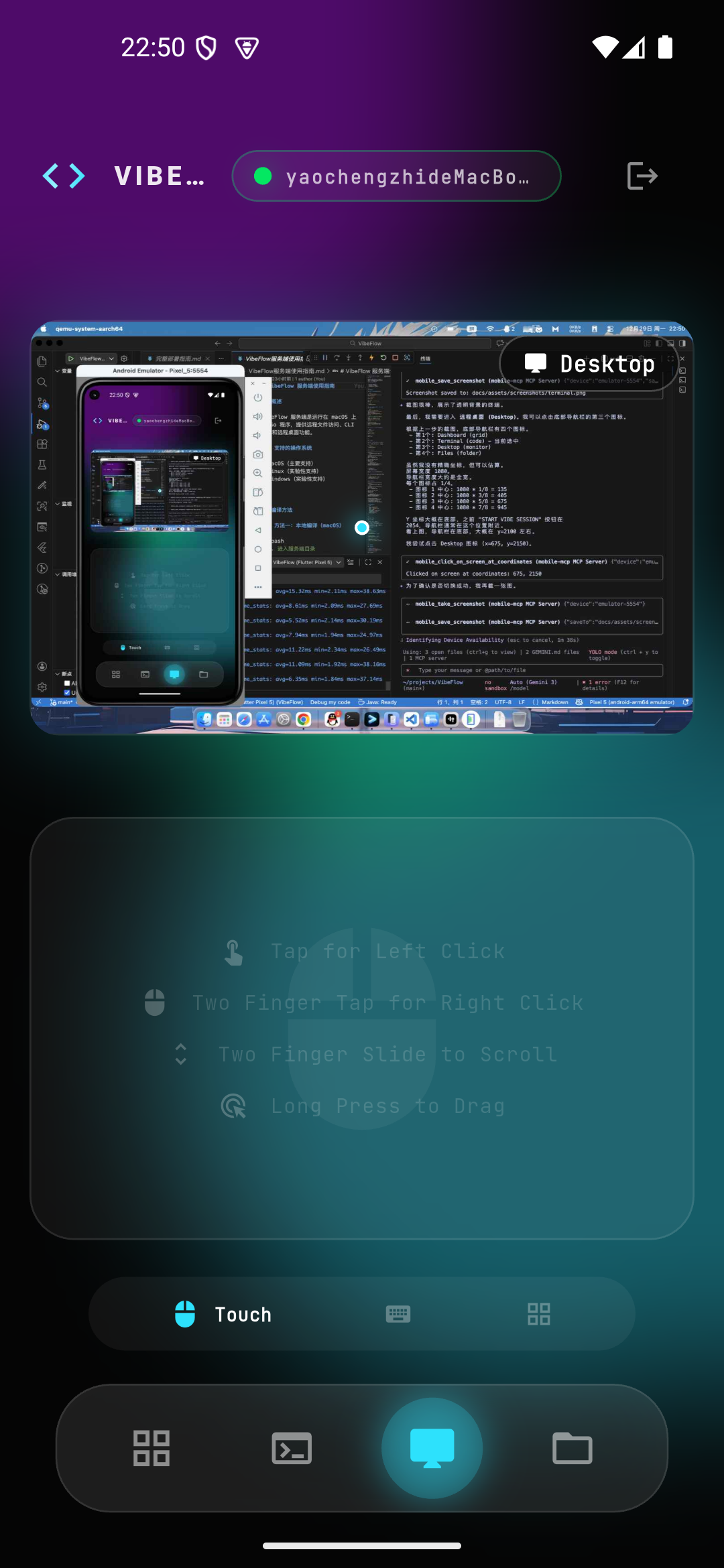
Adaptive JPEG streaming with smart network sensing (10-60fps) and region-based updates saving up to 95% bandwidth.
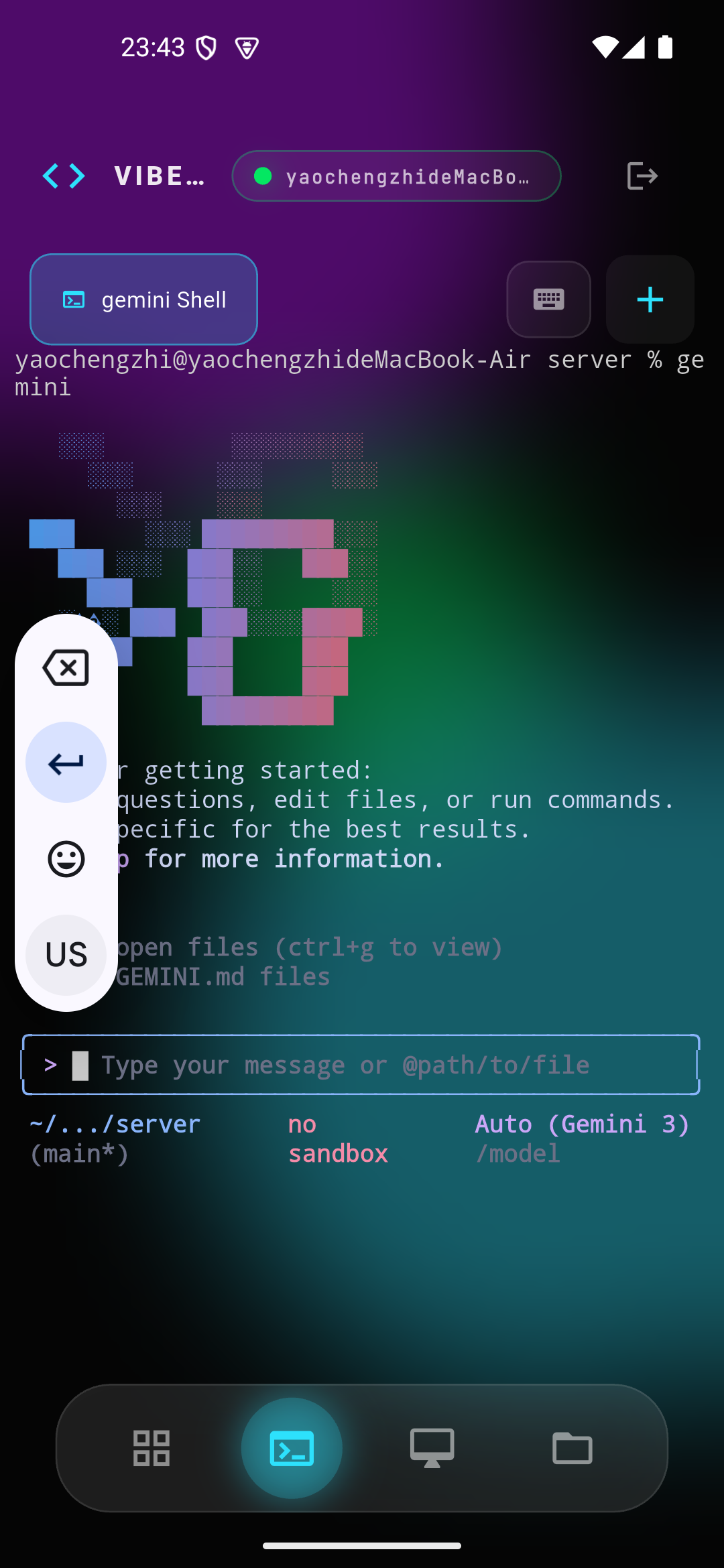
Optimized for coding. Dedicated symbol row, sticky modifiers, and direction keys for rapid touch coding.
Multi-tab CLI, remote file management, window capture, and native touch-to-mouse mapping.
Built-in Relay service to bypass NAT restrictions, connecting you to your inner-net dev machine anywhere.
Single-binary Go server and Flutter client delivering a buttery smooth 120Hz experience.
Full-featured code editor with syntax highlighting, glass-morphism aesthetic, and remote file synchronization.
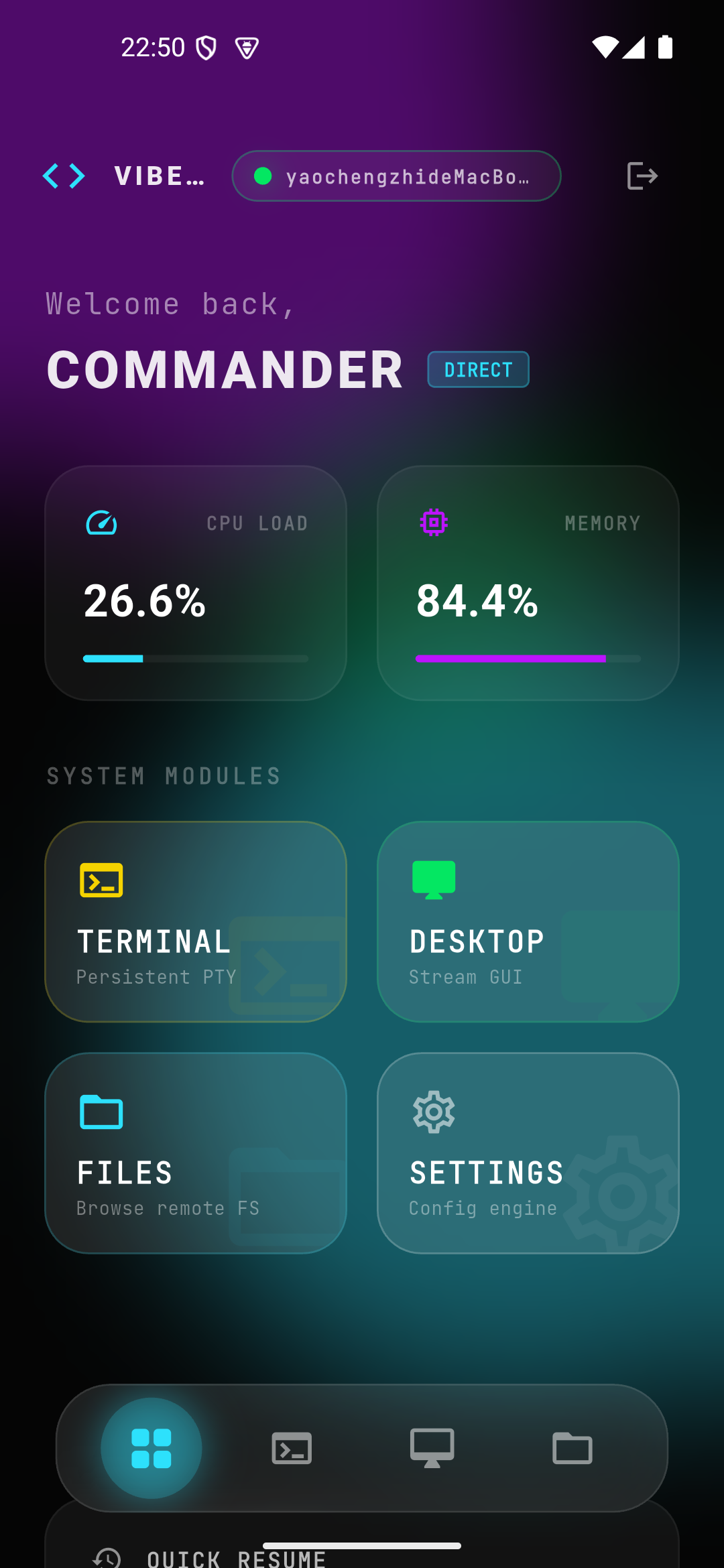
Immersive system dashboard monitoring CPU/Memory load, with quick access to active sessions and modules.
Download and run on your Mac:
Terminal will display a QR Code and Connection Key.
For external access, deploy a Relay Server:
Open VibeDeck App, grant camera permission, and scan the QR code. Or enter the key manually.